
Install
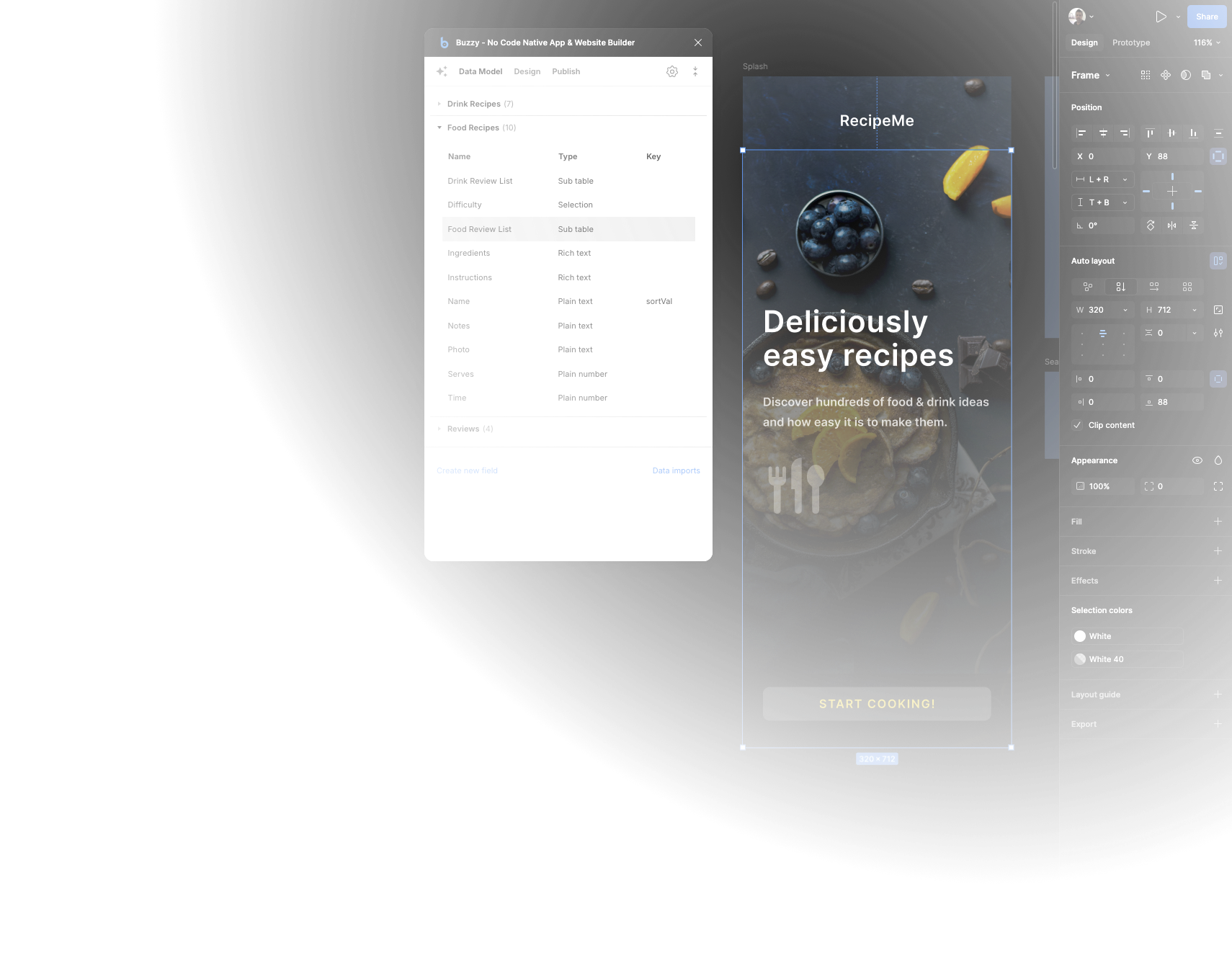
Install the Buzzy Figma plugin to start turning your design into application structure.
Buzzy + Figma
Turn Figma designs into a fully functional app or website in minutes using Buzzy AI.
How it works
Buzzy's powerful new AI AutoMarkup feature automatically converts your Figma design into a fully functional web or native application in minutes.
Even better, edit and update your live app directly from Figma with the Buzzy plugin. Colour changes? No problem. Add a new section? Done. Conduct user tests with real data and working forms? Easy.
Install the Buzzy Figma plugin to start turning your design into application structure.
Connect the plugin to Buzzy so your Figma file can publish into a real working app.
Let Buzzy's AI AutoMarkup scan your design and turn it into a working app, complete with database and CMS.
Make changes in Figma, then simply re-publish to push updates back into the app.
Design to development
Watch a first look at taking Figma's First Draft output and turning it into a working no-code app using Buzzy AutoMarkup.
A real app, no code
Watch Elizabeth from DesignerUp step through building a working app in 48 hours, from initial planning and research right through to design and production.
Explore
Get started with ready-made templates. Kickstart your app build with a Buzzy template - fully functional apps, with an interface that's easily adaptable to any brand.
Templates
Open a working Buzzy template to start with real screens, data structure, and flows.
Figma files
Browse the Figma files when you want a design-first starting point that can be adapted to your own brand.